
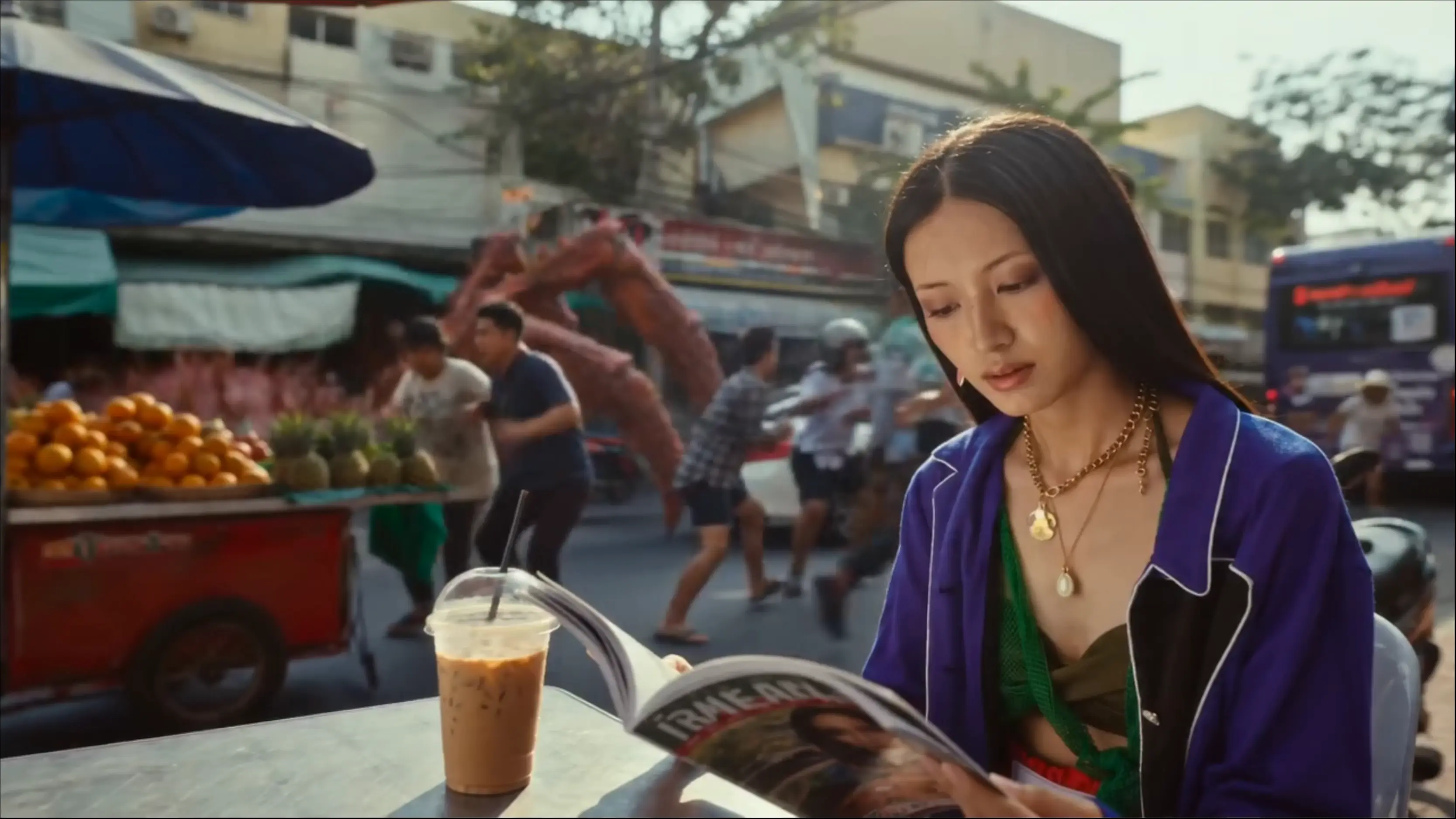
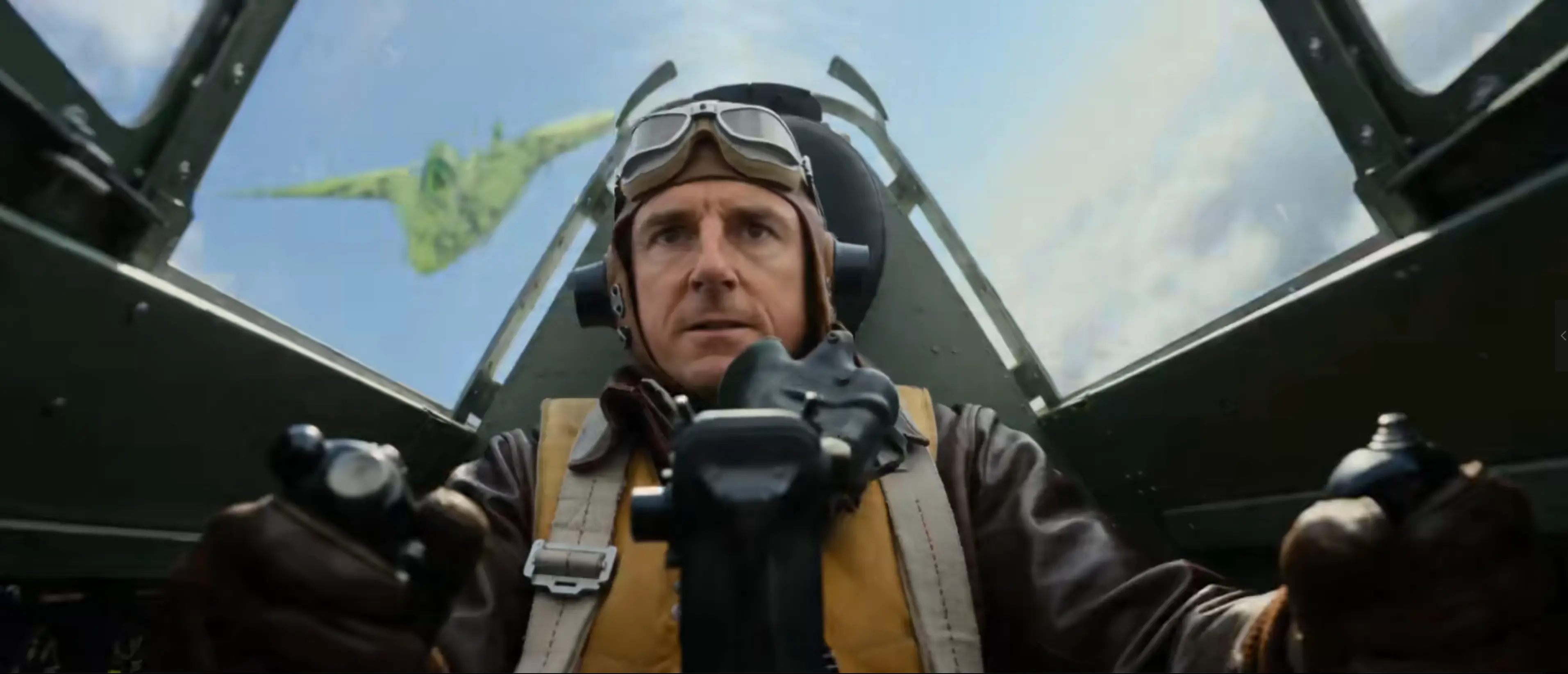

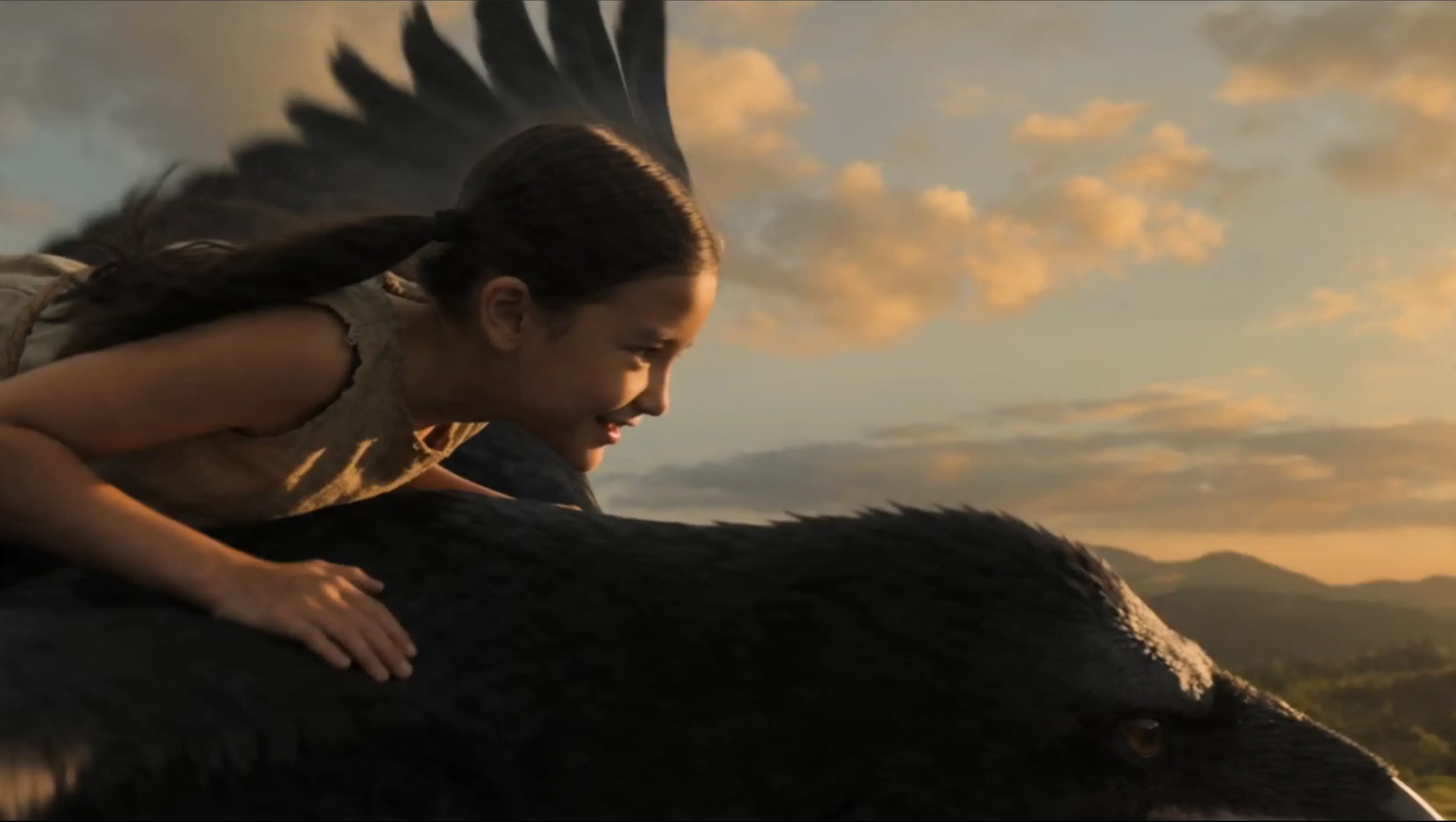
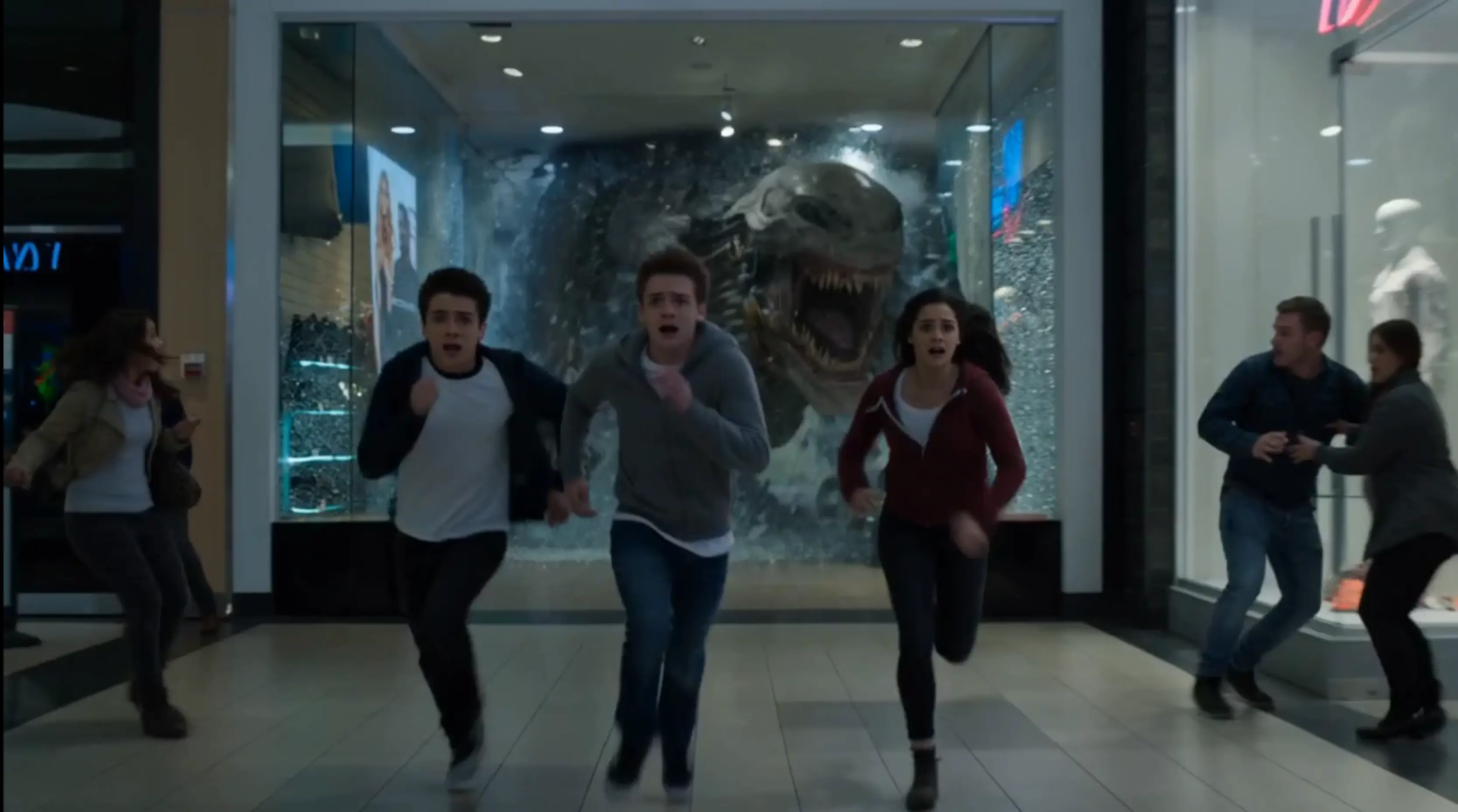
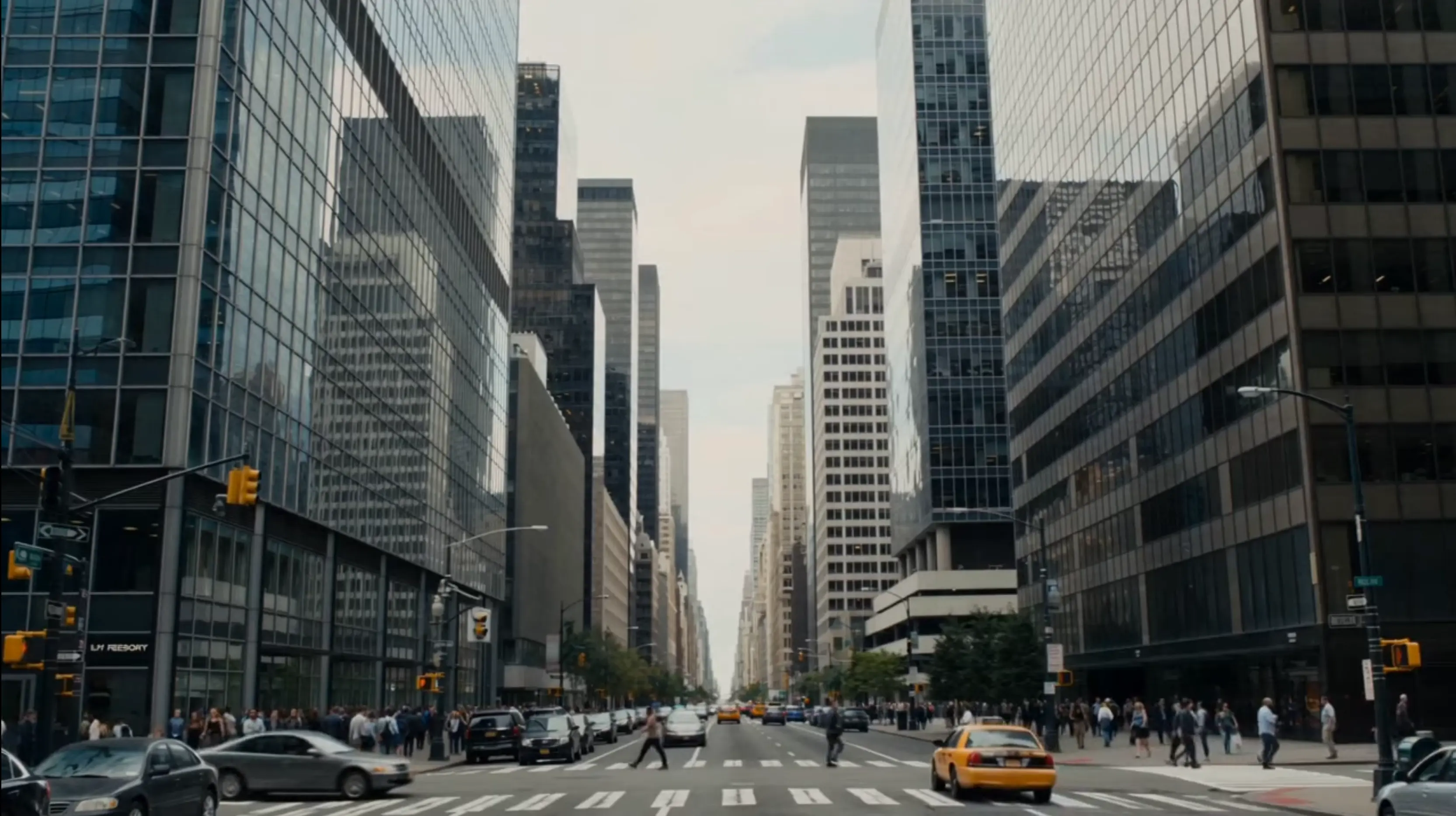
 Video Preview
Omni Video supports Wan 2.6 and Wan 2.7
Omni Video lets you choose between Wan 2.6 and Wan 2.7 based on your current workflow, balancing stable generation with stronger control, smoother motion continuity, and better prompt alignment.
Discover our latest AI video and image tools, built for faster creation, higher quality output, and smoother end-to-end workflows.
Move from prompt, reference image, or visual brief to usable campaign assets without jumping between separate creative tools.
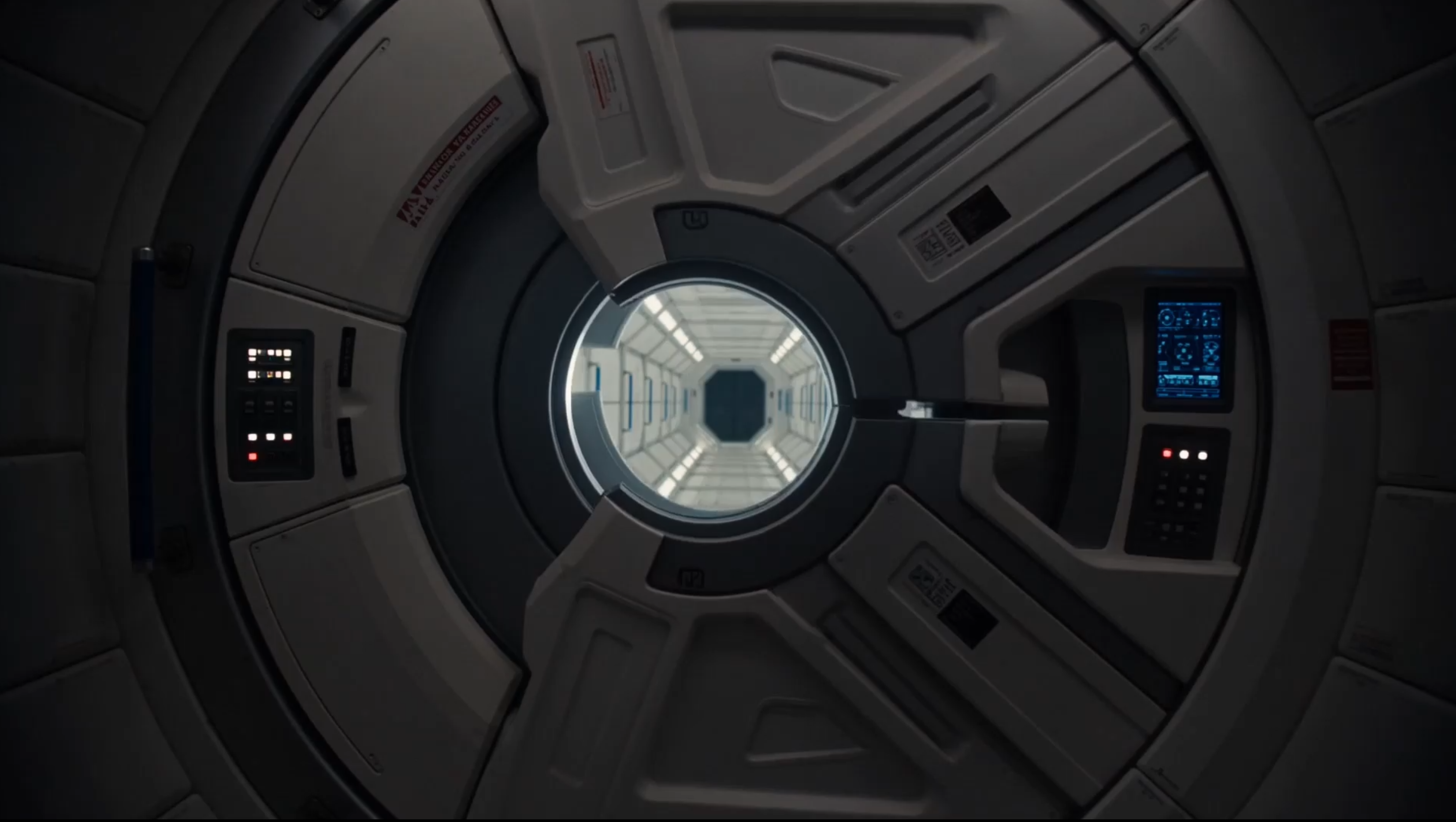
Use Omni Video's image to video generator to animate photos, create motion from stills, and produce professional-quality videos that captivate your audience.
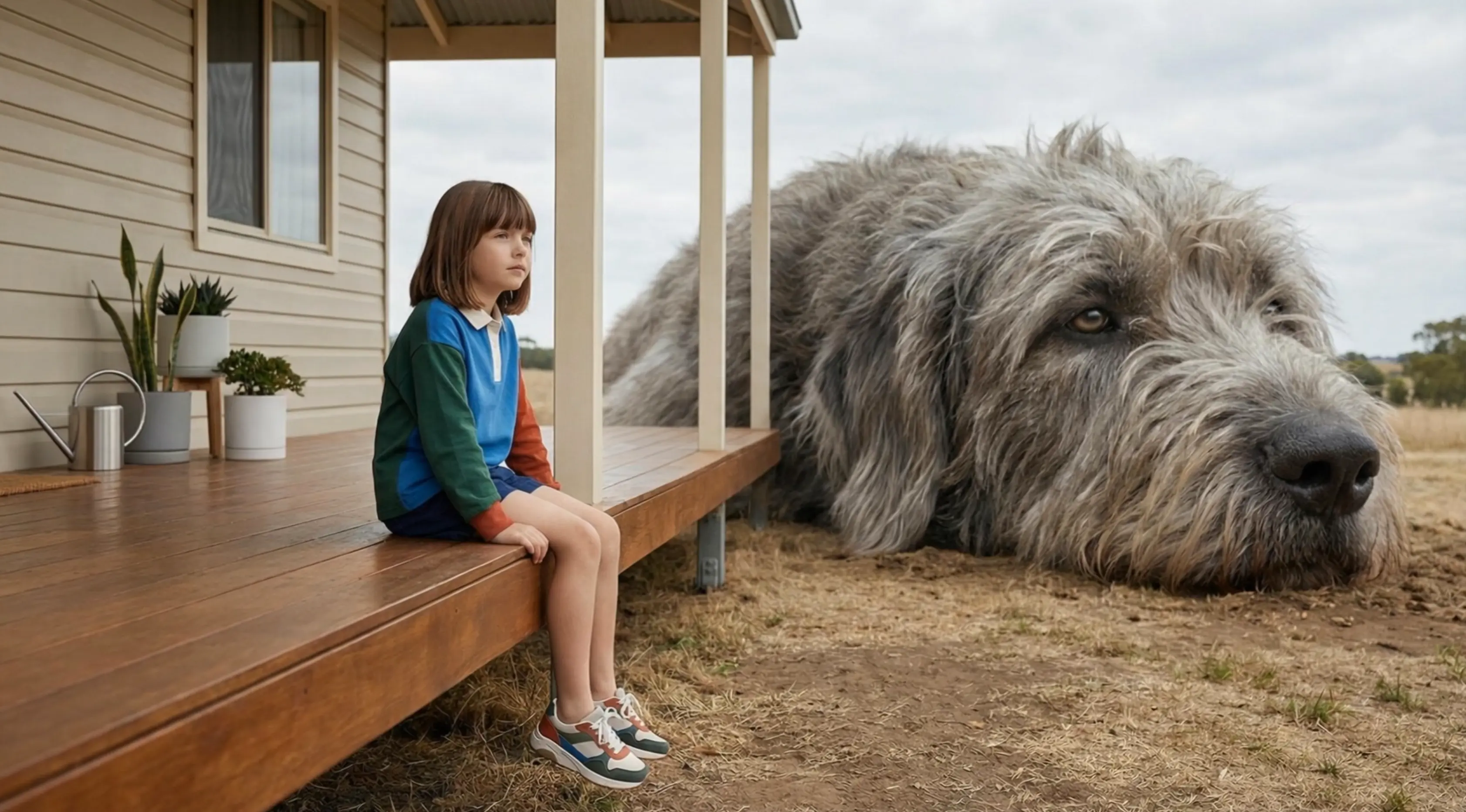
With Omni Video's text to video generator, simply enter a prompt and watch your ideas transform into captivating videos for storytelling, advertising, and content creation.
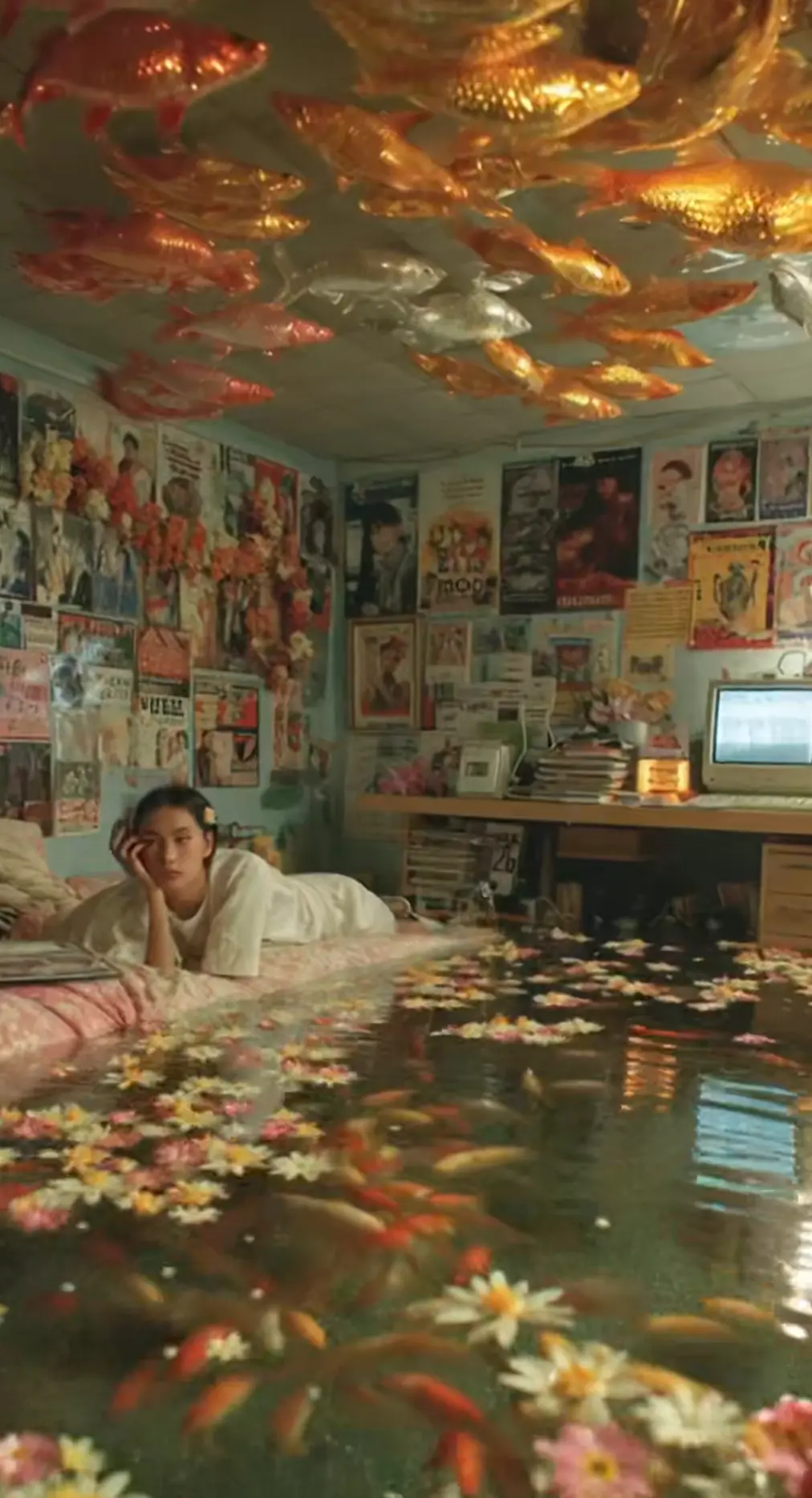
With Omni Video's image to image AI model, transform visuals, change styles, and generate artistic variations — all with a single prompt.

Describe what you want and let Omni Video's text to image generator create stunning artwork, illustrations, concepts, and any images from just a prompt.
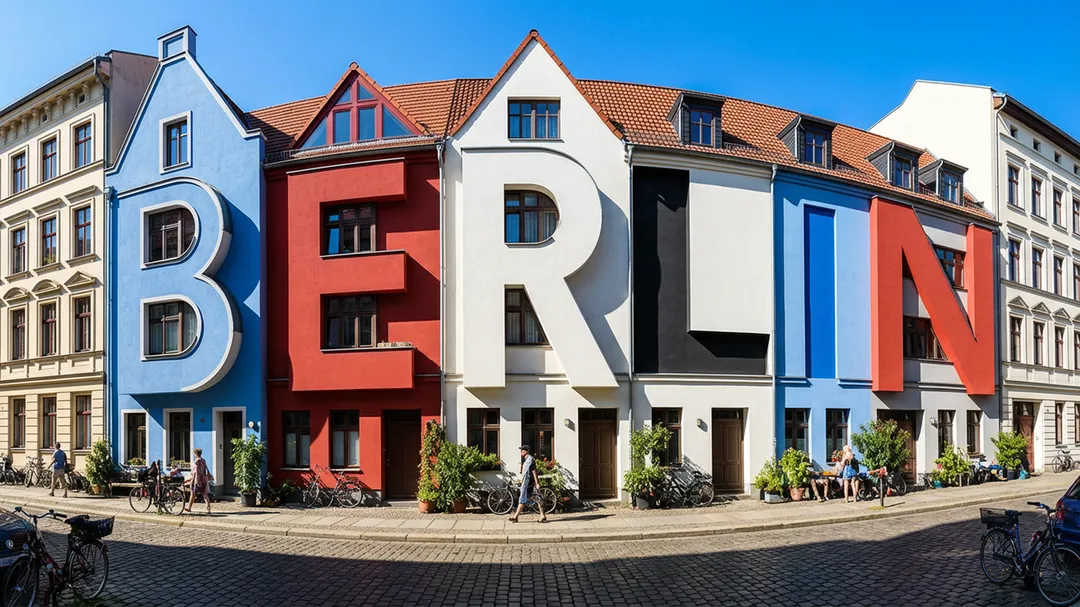
Explore videos, image edits, and generated visuals from real workflows.
Wan 2.6 is a strong baseline for stable generation, while Wan 2.7 improves control, consistency, and editing flexibility. This mixed showcase helps you preview output quality before picking your own final assets.
Video PreviewOmni Video supports Wan 2.6 and Wan 2.7
Omni Video lets you choose between Wan 2.6 and Wan 2.7 based on your current workflow, balancing stable generation with stronger control, smoother motion continuity, and better prompt alignment.
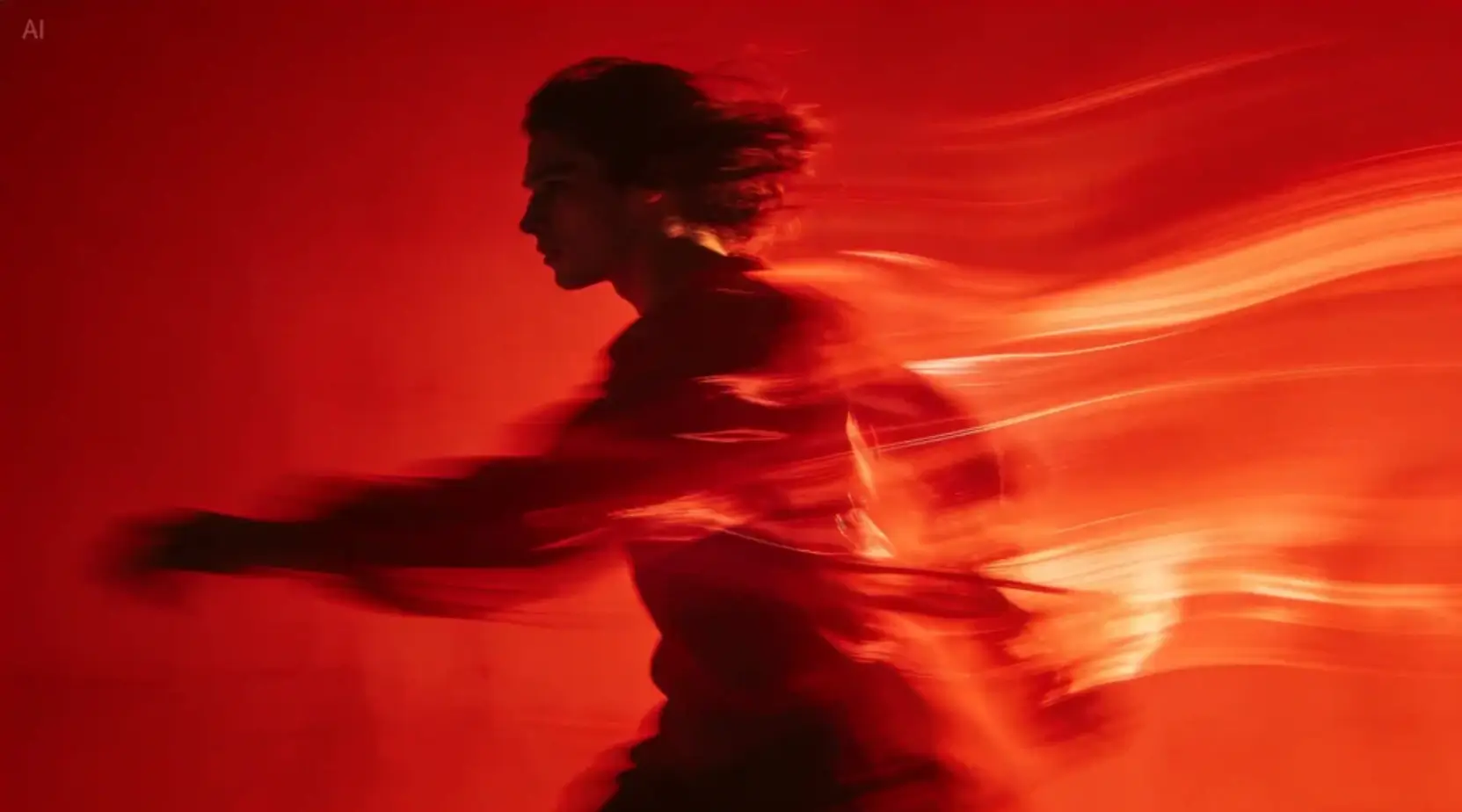 Image
ImageImage Showcase
High-quality still visuals with natural texture and stable style rendering, suitable for both creative exploration and production workflows.
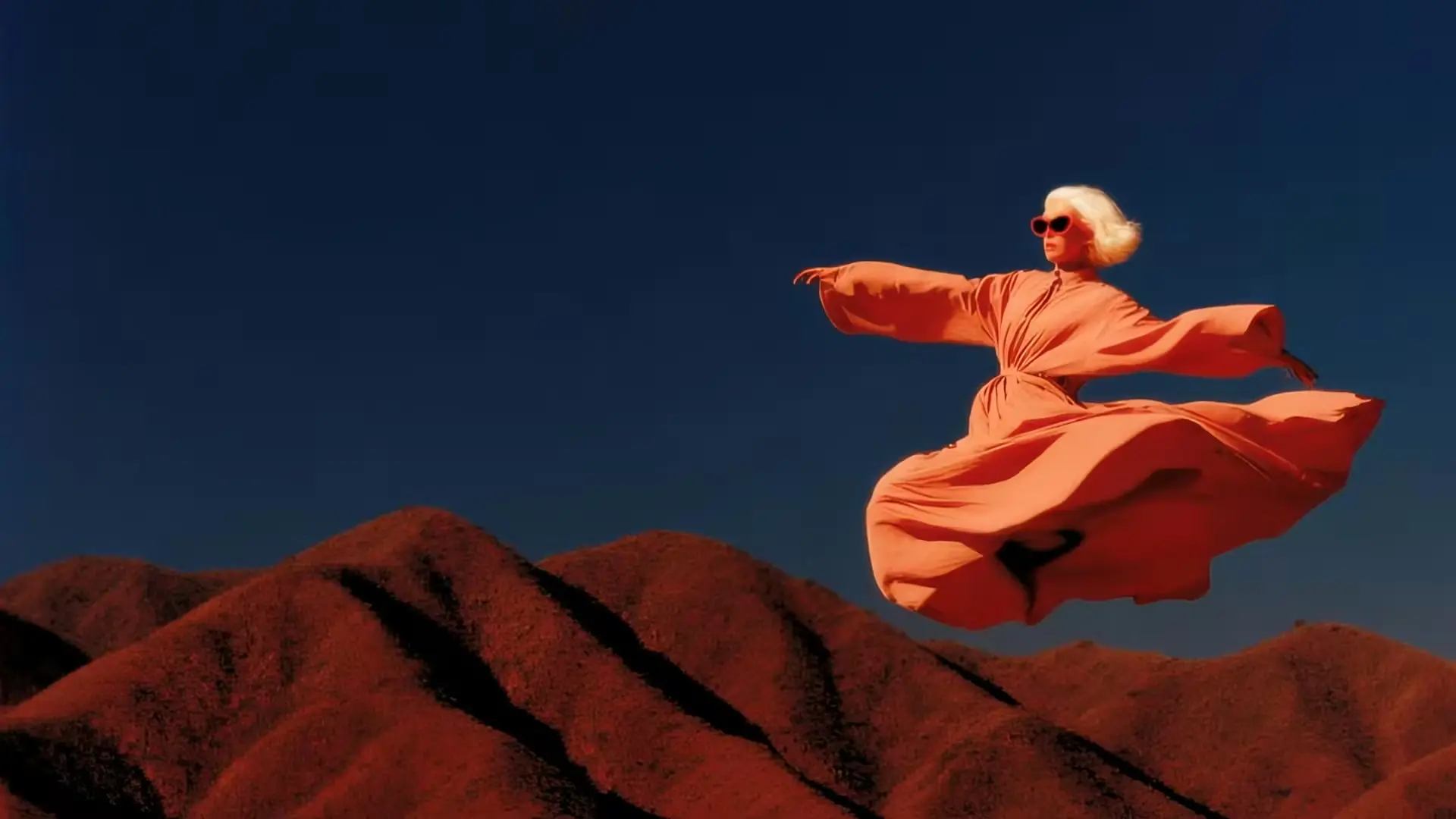 Image
ImageWan 2.6 → Wan 2.7 Image Evolution
Wan 2.7 image outputs are commonly used for stronger texture detail, style stability, and cleaner prompt alignment, while Wan 2.6 remains practical for fast and cost-efficient drafts.
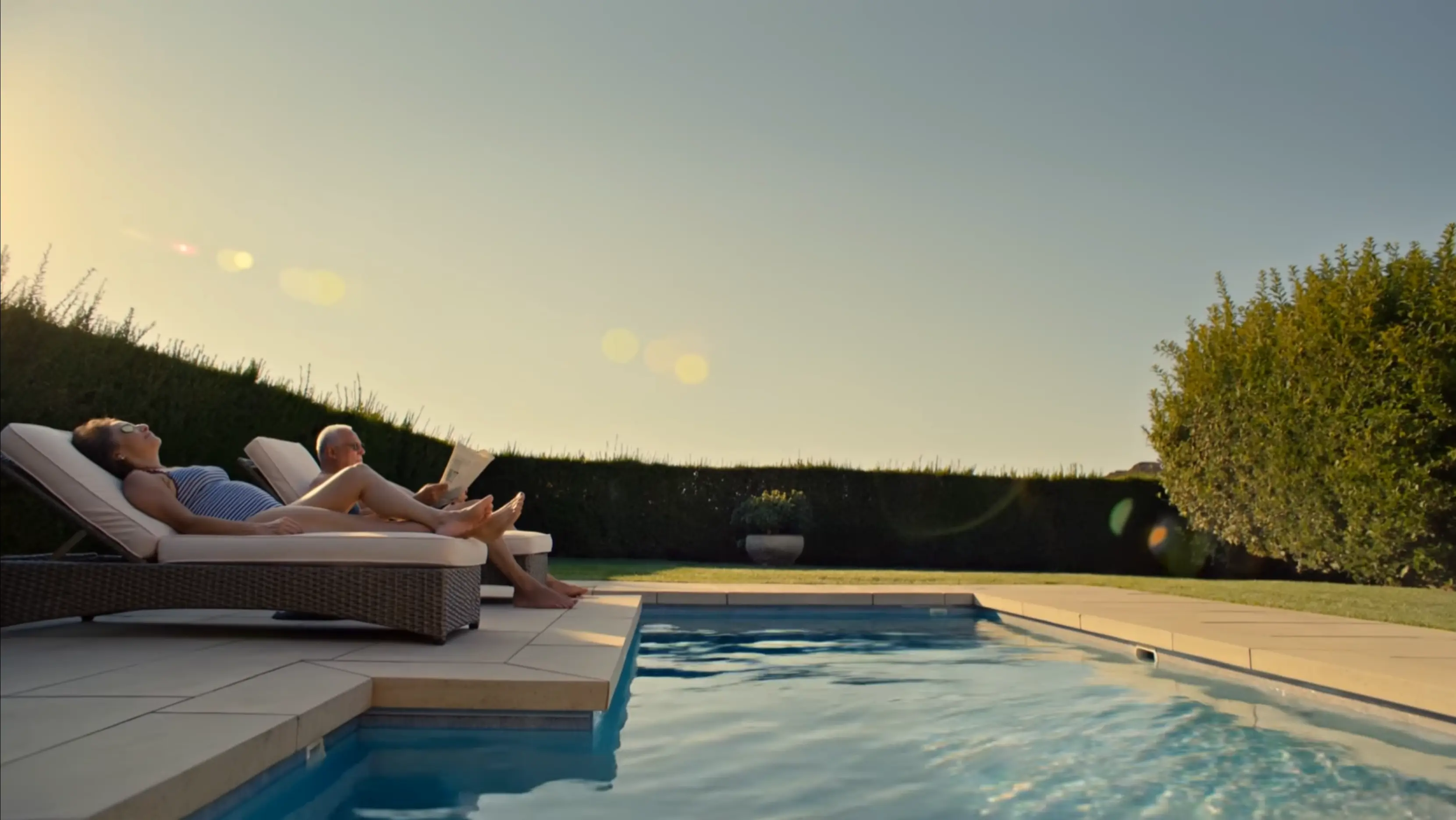 Video Preview
Model Capability Snapshot
Use this card to explain your current model choice and what viewers should look for: motion quality, temporal consistency, scene control, and visual fidelity.
Omni Video focuses on practical AI image and video creation workflows, bringing supported visual models together in one place without pretending to offer tools that are not actually wired up.
From AI video generation to AI music composition, Omni Video provides a complete toolkit tailored for storytellers, marketers, and creators.
Use the image and video models that are actually available in the product today, with model lists aligned to live generation flows.
Turn prompts into professional content with ease. Whether it's text to video or text to image, Omni Video simplifies the process.
Whether you're creating for social media, advertising, storytelling, or music production, Omni Video adapts to your goals.
No editing skills needed — just pick, type, and go using AI video, image, and music generation tools.
Choose the available model that best fits your creative task from the current in-product model library.
Write a prompt or upload an image. Use Generate With AI to turn simple keywords into a full prompt instantly.
Adjust options like image size, resolution, video length, and aspect ratio to match your vision.
Hit Generate and let the AI do the work. Images take seconds; videos may take a few minutes.
Discover what creators around the world are making with Omni Video. Explore AI-generated content, read real user feedback, and get inspired.
“I created some amazing and creative videos just by writing prompts in Omni Video. It made the production process much faster while still leaving room for experimentation and creativity.”
“I especially love creating short videos related to landscapes. With the AI video models, I can easily produce beautiful or imaginative videos. Sometimes, I incorporate these AI-generated videos into my main videos as transitions.”
“My job is to make product videos that drive sales. Omni Video lets me create custom product images and insert them into videos — clients say the videos look much more professional, and conversion rates prove it.”
“Thumbnails and intro clips make or break a video's success. Omni Video helps me stand out with eye-catching thumbnails and polished intros. My click-through rate is up, and subscribers say my channel looks professional.”
“Couples want unique save-the-date videos and personalized photo collages. Omni Video helps me add those special touches. Brides and grooms love the personalized feel, and word-of-mouth referrals have doubled.”
“Our team is small, so I wear many hats — including making promotional videos. Omni Video streamlines the process. Our latest campaign got 40% more views than the last outsourced one. Huge success.”
Choose the plan that fits your creative needs. No hidden fees.
Subscriptions renew automatically until canceled. You can manage or cancel anytime from Billing. By subscribing, you agree to our Terms of Service and Privacy Policy.
Everything you need to know about Omni Video — from getting started to advanced features.
Omni Video is an all-in-one AI video and image platform. It lets you create cinematic videos, generate images, animate characters, and edit visuals — all from a single tool, no editing skills required.
Choose the Text to Video tool, type your prompt, select a model and aspect ratio, then click Generate. Your video is ready in minutes — no timeline editing or software installation needed.
Omni Video supports a curated set of video and image models including Wan 2.6, Wan 2.7, Seedance, Hailuo, Flux, GPT Image, and more. The full model list is shown inside the app.
Yes. With Image to Video, upload any photo, describe the motion you want, and Omni Video animates it into a smooth, cinematic video clip in seconds.
Absolutely. Omni Video is designed for everyone — from first-time creators to professional video editors. The interface is intuitive, and the AI prompt assistant helps you write better prompts automatically.
Images are generated in seconds. Videos typically take 1–5 minutes depending on the model, resolution, and duration selected. You can track progress in real time.
Free plan outputs include a watermark. Paid plan subscribers receive watermark-free videos and images with full commercial usage rights.
Yes. Paid plan subscribers can use all generated content for commercial purposes, including advertising, social media, client work, and product promotion. We strictly prohibit NSFW content and integrate content moderation APIs plus sensitive-word filtering to block prohibited prompts and outputs.
Omni Video supports multiple aspect ratios (16:9, 9:16, 1:1) and resolutions up to 1080p. Output is delivered as MP4 video or PNG/JPEG image files ready for download.
Yes. The Image Edit tool lets you modify existing images using AI — change backgrounds, swap objects, adjust styles, or apply artistic effects with a simple text prompt.
Each generation consumes credits based on the model and output type. Free accounts receive 50 credits on signup. You can purchase additional credit packs or subscribe to a plan for a monthly credit allowance. If a generation fails, credits are automatically returned according to our policy.
Visit our Contact page to reach the support team. We typically respond within 24 hours and are happy to help with any questions about your account, billing, or creative workflow. Subscriptions can be canceled anytime from Billing.
It depends on how you received them. Registration gift credits expire 30 days after signup. Monthly subscription credits expire 30 days after each renewal. Yearly subscription credits are granted in full at the start of the billing year and expire 365 days after they are granted. One-time credit packs (Nano, Starter, Boost, Power, Ultra, Mega) never expire — they stay in your account until used. When you generate content, we always spend the credits closest to their expiry date first, so longer-lived credits are preserved.
Yearly subscriptions deliver the entire year's credit allowance in a single batch at the start of the billing period, not month by month. Those credits are valid for 365 days from the grant date. If you also hold monthly subscription credits or one-time credit packs, they all stack in the same balance — with shorter-expiry credits consumed first.
Enjoy faster rendering, more credits, and expanded access to the AI image and video tools that are actually supported in Omni Video today.
Upgrade now to experience cutting-edge AI features first.